Creating a home office that is both cozy and productive can transform your work-from-home experience. A well-designed space promotes focus while providing comfort, helping you stay motivated throughout the day. Whether you have a dedicated room or a small corner, this guide offers practical tips to build a home office that suits your style and work habits.
Choose the Right Location
Consider Natural Light
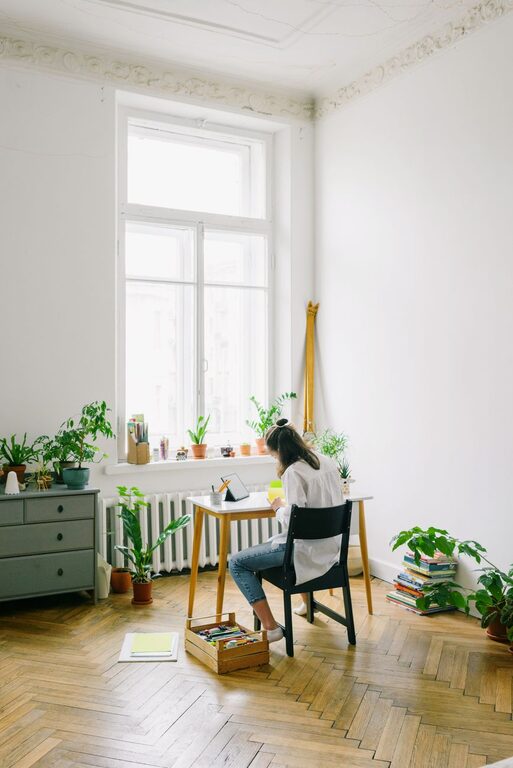
Natural light can enhance your mood and energy. Place your desk near a window if possible to enjoy daylight and outdoor views. If natural light is limited, invest in good quality artificial lighting, such as adjustable desk lamps or warm overhead lights.
Minimize Distractions
Select a spot away from high-traffic areas or noisy parts of your home. If space is tight, consider using room dividers or noise-cancelling headphones to create a quiet zone.
Invest in Comfortable Furniture
Ergonomic Chair
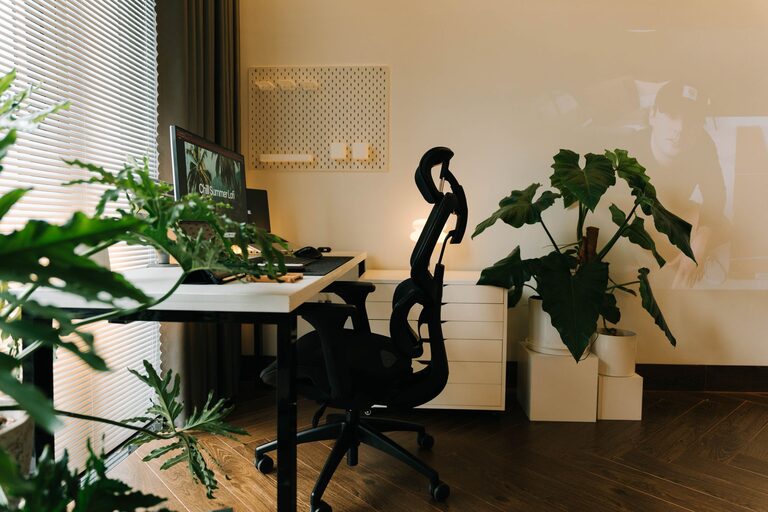
An ergonomic chair supports your back and encourages good posture. Look for adjustable features like seat height, lumbar support, and armrests. Comfort is key to avoiding aches and staying focused.
Functional Desk
Choose a desk with enough surface area for your computer, notebooks, and other essentials. Adjustable desks that allow you to switch between sitting and standing can also promote better health and productivity.
Personalize Your Space
Choose Soothing Colors
Soft colors like light blues, greens, or neutrals create a calming atmosphere. Avoid overly bright or harsh tones, as they can be distracting.
Add Personal Touches
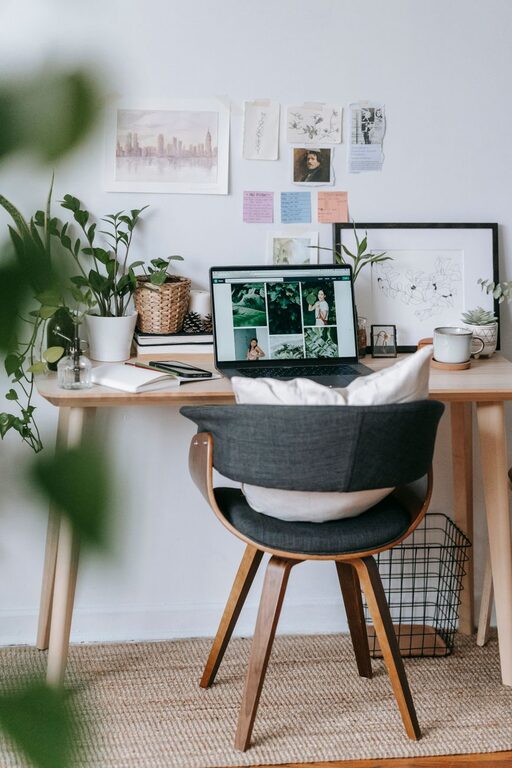
Incorporate items that inspire you, such as framed photos, plants, or artwork. These elements make the space inviting without cluttering it.
Organize for Efficiency
Declutter Daily
A tidy workspace helps clear your mind. Every day, take a few minutes to put away items not in use.
Use Storage Solutions
Utilize shelves, drawers, or storage boxes to keep supplies organized. Label containers to find what you need easily and maintain order.
Optimize Technology Setup
Arrange Cables Neatly
Use cable organizers or clips to keep cords under control. This prevents tangling and creates a cleaner visual environment.
Position Equipment Properly
Place your monitor at eye level to reduce neck strain. Keep frequently used tools within reach to save time.
Incorporate Comfort and Wellness Elements
Add Plants
Plants can improve air quality and introduce a touch of nature, which reduces stress.
Maintain Good Airflow
Ensure your workspace is well-ventilated to keep the air fresh. A small fan or opening windows can help.
Take Regular Breaks
Incorporate reminders to stand up, stretch, or take short walks to stay energized and avoid fatigue.
Use Effective Lighting
Layer Your Lighting
Combine ambient lighting (overhead lights) with task lighting (desk lamps) to avoid eye strain and create a balanced environment.
Avoid Glare
Position screens and lights to minimize glare on your computer. This reduces eye discomfort during long work sessions.
Set Clear Work Boundaries
Define Work Hours
Keep regular work hours to maintain balance between professional time and personal life.
Create a Ritual
Begin and end your workday with a routine that signals transition into and out of work mode, such as making a cup of tea or organizing your desk.
Final Thoughts
Designing a home office that blends coziness with productivity is about balancing comfort, organization, and functionality. Small adjustments tailored to your preferences can significantly improve your work experience. By paying attention to lighting, furniture, layout, and personal touches, you create a space where you can thrive professionally while feeling at ease.
Give these tips a try and enjoy a home office that truly supports your best work.